Your steps, drawn as terrain. Contour lines grow as you walk toward your goal.
Nightdrive
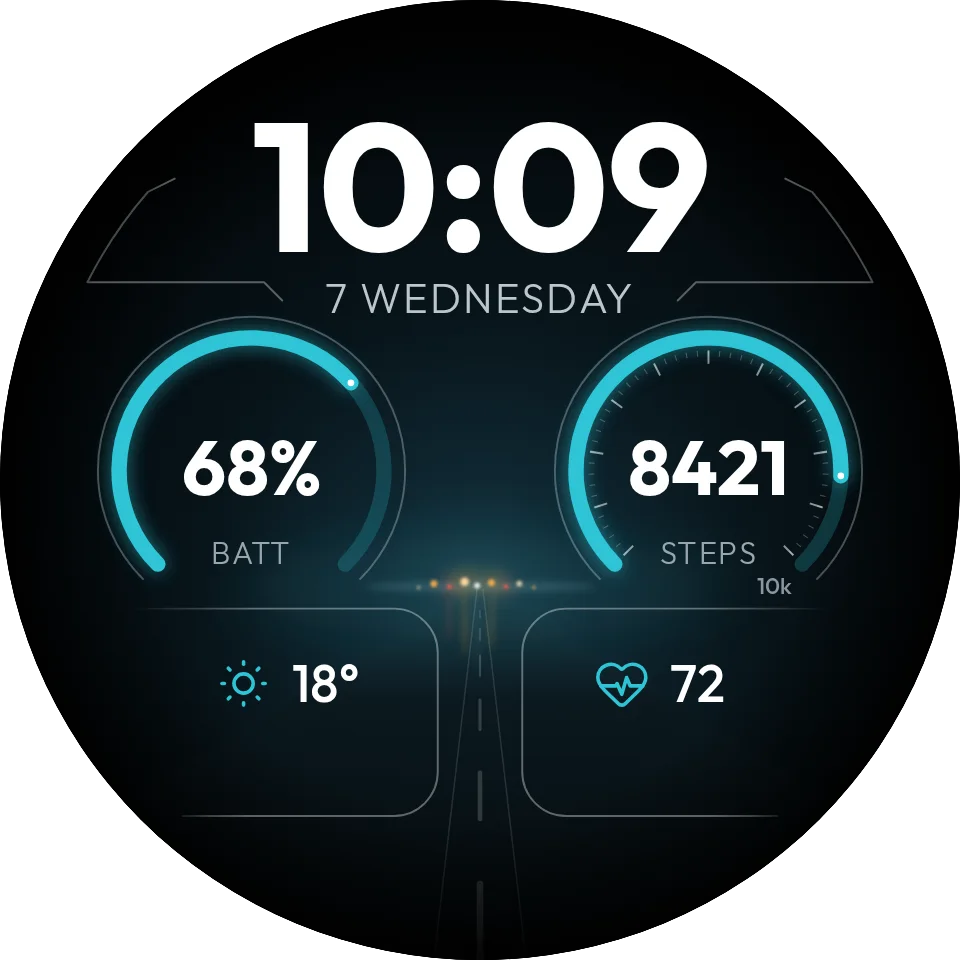
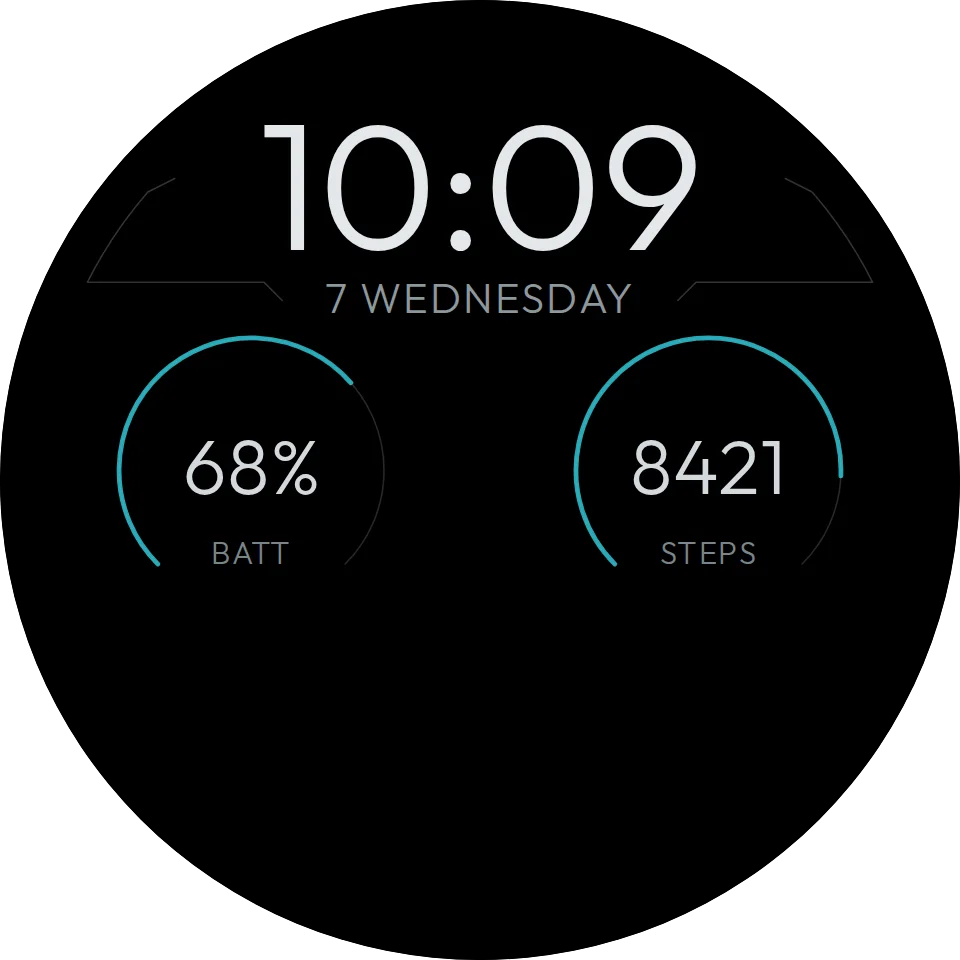
The dial is the head-up cluster of a car on a night road. Large digits sit in a windshield frame with the date below them. The left gauge is your battery and the right gauge is your daily step goal, each with its reading in the middle. Two open brackets below show temperature and heart rate by default, and their icons follow what they show: the weather icon changes with the sky, and a heart marks heart rate. Between the brackets, one lane runs to the lights on the horizon.
How to read Nightdrive
Point at or tap a part to light it up on the watch.
Lite or Pro · Nightdrive
Pro is paid. Lite is free and keeps the face's signature motion; Pro adds every palette and setting.
| Feature | Lite | Pro |
|---|---|---|
| Battery and step-goal gauges | ||
| Weather icon that follows the sky | ||
| Accent palettes | Ion | 6 |
| Complications | Temperature and heart rate, fixed | 2 customizable |
| Complication names | On | On or off |
| Time digits | Bold | Bold or light |
| Date line | Day and weekday | 3 formats |
| Gauge glow | On or off | |
| Night road | On or off | |
| Always-on | Time and date | Cluster or time and date |
Previews
Questions
Is Nightdrive on Google Play?
Yes. Nightdrive Pro costs US$1.99 and Nightdrive Lite is free.
Can I try Nightdrive before I buy it?
Yes. The try page runs Nightdrive live in your browser: change every palette, setting and the always-on display, and set the time and the watch data yourself. Try Nightdrive in your browser
More faces
One lens, three ways to read it: steel hands, digits inside the iris, or turning rings. The iris opens as you walk.
Red car for seconds, yellow car for minutes, white car for hours, each in its own lane.
A small world in a glass globe: the sky follows the hour and the weather, and the tree grows as you walk.
A service pistol on an armorer's mat. Tap the pistol and it fires a round; put the watch on the charger and the pistol comes apart.
Four nixie tubes keep the time: one wire numeral glows in each, and a neon bar tube fills as you walk.